What Businesses Actually Automate (It's Not What You Think)
Analysis of 193,000 workflow events reveals a gap between what businesses ask for and what actually works. Gmail, Google Sheets, Slack, and HubSpot dominate real workflows — not AI agents. Here's what this means for your automation project.
The AI Hype vs. What Actually Gets Built
Every conference talk, LinkedIn post, and vendor demo right now is about AI agents, autonomous workflows, and LLM orchestration. Meanwhile, the businesses making the most from automation are quietly connecting Gmail to Google Sheets and sending Slack notifications when something changes.
Analysis of 193,000 workflow events and 4,650 unique workflow structures reveals the gap between the conversation and the reality.
The top 5 most used nodes across all real workflows: Code, HTTP Request, IF condition, Set, Webhook. Not a single AI node in the top 5. The IF condition appears in 2,189 workflows. The OpenAI chat node appears in 451.
75% of production workflows have zero AI nodes.
That's not a knock on AI. It's a reality check. Most business problems that eat hours each week are solved by basic logic, not language models.
What People Actually Search For When They Want Automation
Here's what businesses are searching for when they go looking for workflow help. The top search queries tell you exactly what problems need solving:
| Integration | Search Volume | What they actually want |
|---|---|---|
| Gmail | #1 | Parse inbound emails, route to the right place, stop missing things |
| Google Drive | #2 | Auto-organize files, trigger workflows when docs are uploaded |
| Slack | #3 | Get notified when something important happens without checking 5 tools |
| Google Sheets | #4 | Log data automatically, stop copying and pasting rows |
| Webhook | #5 | Trigger automations from form submissions, payments, CRM events |
| HubSpot | #7 | Sync leads between tools, automate follow-up sequences, keep CRM clean |
| Airtable | #8 | Connect Airtable to everything else, automate status updates |
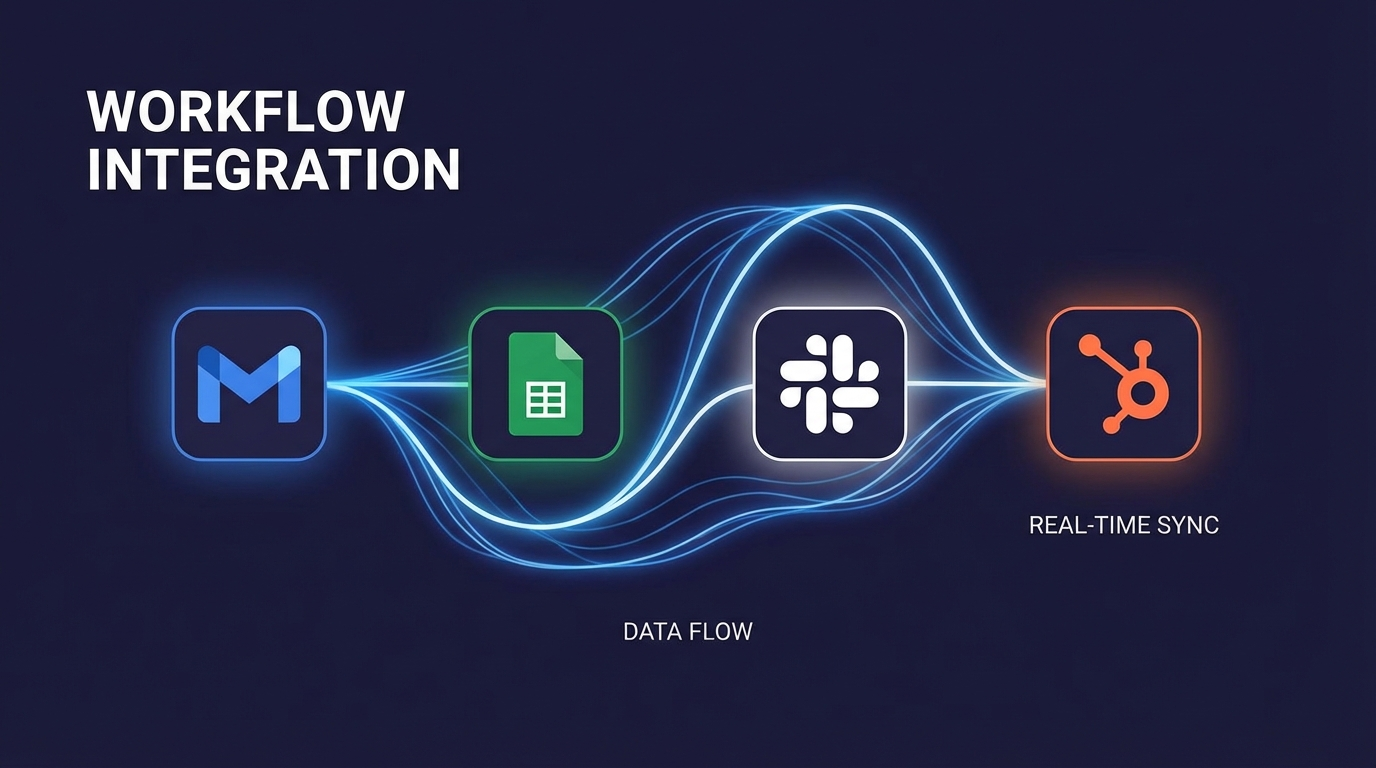
Nobody is searching for "autonomous AI agent framework." They want Gmail to talk to Google Sheets. They want HubSpot to notify Slack. They want webhooks to log things automatically. That's the entire business problem — and it's completely solvable without a single LLM call.
The Most Common Workflow Patterns That Actually Work
The data on integration pairings is even more revealing. The most common workflows in real production environments:
- HTTP Request + Webhook (1,180 workflows) — receive data, send it somewhere else
- Google Sheets + HTTP Request (634 workflows) — log data from any API into a spreadsheet
- HTTP Request + Slack (411 workflows) — monitor something, notify the team
- Gmail + HTTP Request (384 workflows) — parse emails, enrich data, take action
- Gmail + Google Sheets (274 workflows) — the single most reliable time-saver in business
- Google Sheets + Slack (202 workflows) — when a row changes, tell someone
The pattern is the same every time: get data from somewhere, process it, put it somewhere useful, notify someone. That's it. That's the automation that saves 2-5 hours a week per person and runs every day without breaking.
For more concrete examples, see our guide to business automation examples that save 10+ hours weekly.
Why Simple Workflows Win
Here's the part the AI vendors don't want to talk about: complex workflows fail more.
Workflows with AI nodes average 22.4 nodes. Without AI, they average 11.1 nodes. AI workflows are flagged as complex 33.6% of the time versus 11.5% for non-AI workflows.
More nodes means more failure points. More API calls means more costs. More complexity means someone needs to maintain it.
We see this with clients regularly. Someone asks for an AI-powered email parser. To do it properly with an LLM — structured output parsing, hallucination handling, fallback paths — you're looking at 16-20 nodes, $50-200/month in API costs, and something that needs maintenance when the model changes.
Meanwhile, a regex filter and two IF conditions handles 90% of those emails. It's 6 nodes, costs nothing, and it's been running without touching it for eight months.
The data confirms this: 52% of all deployed workflows are classified as simple. Only 10% have more than 25 nodes. The workflows that get built, get deployed, and actually run are the small ones.
This doesn't mean AI has no place. For genuinely unstructured data — where the input varies too much for rules-based logic — AI adds real value. But that's not most business automation. Most business automation is: if this happens, do that. Logic, not intelligence.
What This Means for Your HubSpot, Gmail, and Slack Automations
If you're looking at automation for your business, the data points to a clear starting place. Not AI agents. Not complex multi-step pipelines. Start with the connections you use every day:
Gmail Automation
Incoming Gmail triggers are in the top 5 searches for a reason — they solve real problems. New lead emails automatically logged in your CRM. Customer support emails routed to the right team member. Invoice attachments saved to Google Drive and a row added to a tracking sheet. These workflows take a few hours to build and run for years.
We build Gmail automations as part of our standard automation service. Typical build time: 1-2 days. Typical time saved: 3-5 hours per week.
Google Sheets + Slack Automation
The second most reliable combination in business. New row in a sheet triggers a Slack notification. Form submission logs to Sheets and pings the relevant channel. Weekly report auto-generated from Sheets data and posted to Slack every Monday.
These sound simple because they are. That's why they work. See our n8n automation examples for real implementations.
HubSpot Automation
HubSpot automation is consistently in the top searches because the tool itself can only do so much natively. The real value comes from connecting HubSpot to everything else: when a deal moves to "Closed Won," trigger an onboarding sequence, create a project in your PM tool, and notify the delivery team on Slack. When a lead fills out a form, enrich their data via an API, score them, and route them to the right rep.
HubSpot + Make.com or HubSpot + n8n are both strong combinations depending on your stack. We cover the trade-offs in our CRM automation guide.
The Question to Ask Before Any Automation Project
Before you hire anyone or pick a platform, ask one question: can this be solved with an IF condition and an HTTP request?
If yes — and most of the time the answer is yes — that's where you start. Not because it's the cheapest option, but because it's the most reliable. Simple workflows run in production. Complex ones run in development.
The businesses getting the most from automation in 2026 aren't the ones with the most sophisticated AI stacks. They're the ones who automated the 12 things they do every day and haven't had to think about it since.
If you want to know what's worth automating in your business and what's not, that's exactly the conversation we have in a discovery call. No pitch, no pressure — just an honest look at what would actually save you time.
Frequently Asked Questions
What do most businesses actually automate?
The most automated tools in real workflows are Gmail, Google Drive, Slack, Google Sheets, and HubSpot. The most common pattern: receive data via webhook or email → enrich with HTTP request → log in Google Sheets → notify on Slack. Simple, reliable, built in hours not weeks.
Do most business automation workflows use AI?
No. Real-world data shows 75% of production workflows have zero AI nodes. The most used nodes are HTTP Request, IF conditions, and Google Sheets. AI has its place — unstructured data, complex classification — but the workflows businesses depend on daily are mostly logic-based.
How complex should a business automation workflow be?
Keep it under 15 nodes wherever possible. Data shows 52% of deployed workflows are simple, and 36% have 7 nodes or fewer. Workflows under 15 nodes get deployed and stay running. Workflows over 25 nodes are constantly being debugged.
What's the best way to automate Gmail with Google Sheets?
The most reliable approach: trigger on incoming Gmail → filter by criteria → extract relevant data → write to Google Sheets → send Slack notification. This 6-8 node workflow runs reliably every day, costs nothing in AI API fees, and saves 1-3 hours per week.
Should I automate HubSpot with Make.com or n8n?
Make.com has a more polished HubSpot integration with visual scenario building — ideal if your team needs to maintain it themselves. n8n offers more flexibility for complex API calls and custom logic. For most SMBs, Make.com is the faster, lower-maintenance choice. For technical teams who need custom behavior, n8n.
Not sure what's worth automating in your business?
30 minutes. We'll look at your actual workflows and tell you exactly what to automate first — and what not to touch. No upsell, just a straight answer.
Book a Free Call