CRM Automation: 12 Pipeline Flows That Move Deals
Most sales reps spend less than 30% of their time actually selling. CRM automation fixes that — here are 12 automations with real ROI data you can start this week.
What is CRM automation?
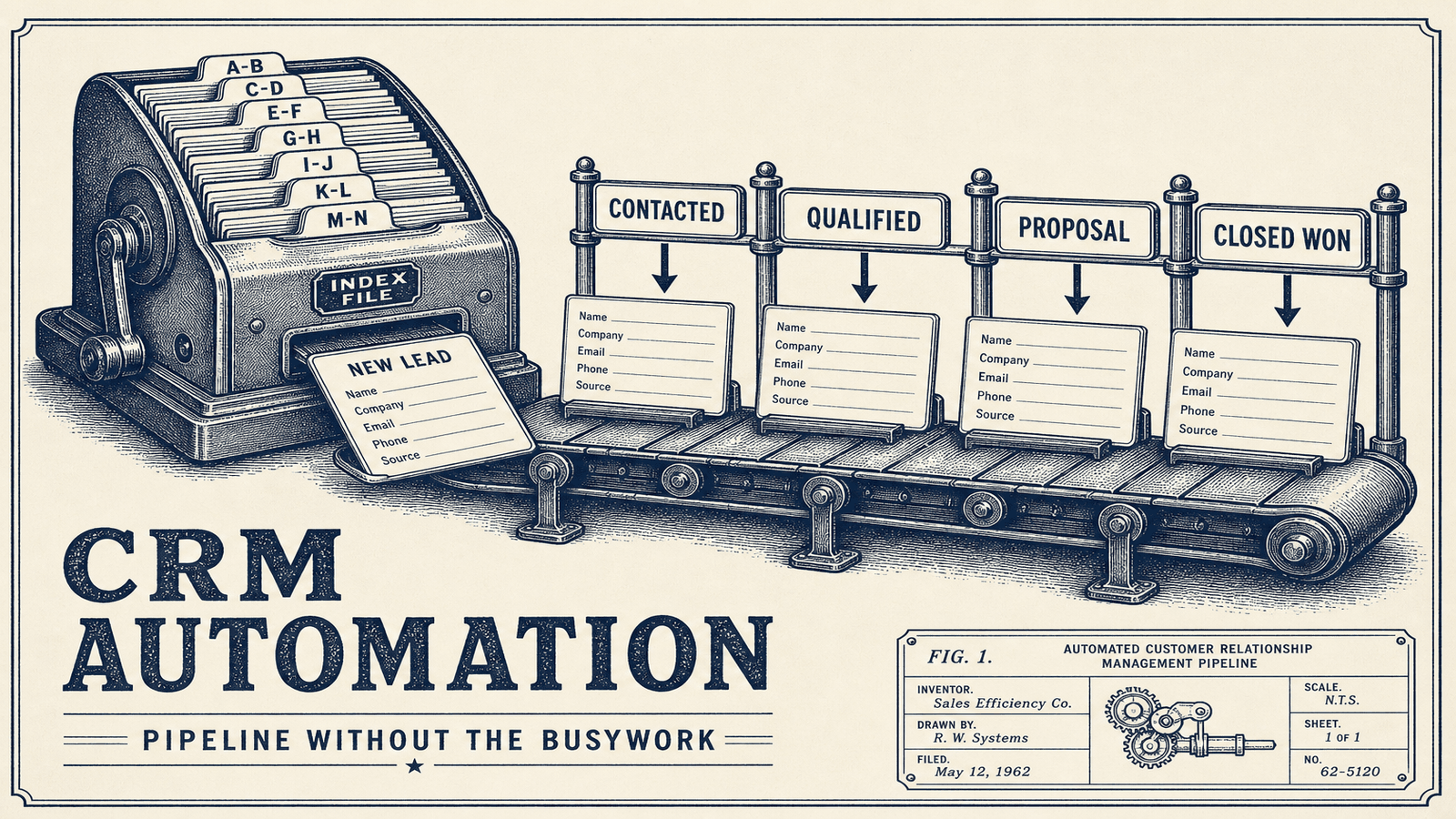
CRM automation means using software to handle repetitive CRM tasks without manual input. Instead of a rep logging a call, updating a deal stage, and sending a follow-up email, the system does it automatically based on triggers you define. Research shows CRM automation delivers 25-30% productivity increases and up to 77% time savings on repetitive tasks (Kissflow, ServiceNow 2024).
There are three levels:
Built-in CRM automation — The workflows that come with your CRM (HubSpot workflows, Salesforce flows, Pipedrive automations). These handle basic if-this-then-that logic inside your CRM.
External automation platforms — Tools like Make.com, Zapier, or n8n that connect your CRM to everything else: email, Slack, billing, project management, spreadsheets. This is where things get powerful.
AI-powered automation — The newer layer. AI workflow automation can write personalized emails, score leads based on behavior patterns, summarize call notes, and route deals to the right rep based on dozens of signals.
Most companies use a mix of all three.
12 CRM automations that actually move the needle
Here's what's worth automating, ranked roughly by impact. Each one includes what it saves and how to build it.
1. Automated lead capture and enrichment
The problem: Leads come in from your website, LinkedIn, ads, referrals — and someone has to manually enter each one into the CRM. Details are missing. Records are incomplete.
The automation: New leads automatically flow into your CRM from every source. An enrichment tool (Clearbit, Apollo, or a custom API call) fills in company size, industry, LinkedIn profile, and revenue data.
What it saves: 5-10 minutes per lead. For a team processing 50 leads/day, that's 4-8 hours daily.
How to build it: Make.com scenario watching your form submissions, email inbox, and ad platforms. Each trigger creates a CRM contact, runs enrichment, and notifies the assigned rep on Slack.
2. Lead scoring based on real behavior
The problem: Your reps treat every lead the same. The CEO who visited your pricing page three times gets the same priority as someone who downloaded a free PDF and never came back.
The automation: Points are assigned automatically based on actions: website visits (+5), pricing page views (+15), email opens (+3), demo requests (+50). Leads above a threshold get flagged as "hot" and assigned immediately.
What it saves: According to Salesforce research, companies using automated lead scoring see 30% higher conversion rates because reps focus on the right people.
How to build it: Most CRMs have basic scoring. For anything sophisticated, connect your website analytics and email platform to your CRM via Make.com or n8n, and let the scoring logic live in the automation layer where it's easier to adjust.
3. Follow-up email sequences
The problem: A rep has a great call, promises to send info, then gets pulled into three other things. The follow-up goes out two days late — or never.
The automation: After specific triggers (demo completed, proposal sent, no response in 3 days), a personalized email sequence fires automatically. The rep's name and signature are on it. If the prospect replies, the sequence stops.
What it saves: Sales reps save an average of 2 hours and 15 minutes per day through automation like this (Utmost Agency, 2025). Follow-ups that would've been missed now happen every time.
How to build it: HubSpot sequences handle this natively. For other CRMs, build it with Make.com watching deal stage changes and triggering emails through your sending tool (Lemlist, Instantly, or your regular email).
4. Deal stage updates
The problem: Your pipeline looks wrong because reps forget to move deals between stages. Reports are useless when half the data is stale.
The automation: When a prospect books a meeting, the deal moves to "Meeting Scheduled." When a proposal is opened, it moves to "Proposal Reviewed." When a contract is signed in DocuSign, the deal moves to "Closed Won" and triggers onboarding.
What it saves: Your pipeline becomes reliable without anyone thinking about it. Forecasting actually works.
How to build it: Connect your scheduling tool (Calendly), proposal tool (PandaDoc), and e-signature tool to your CRM. Each event triggers a stage change.
5. Task creation and assignment
The problem: "Someone should follow up with that lead" turns into "nobody followed up with that lead."
The automation: New leads get assigned using round-robin or territory rules. Tasks are created with deadlines. If a task isn't completed within 24 hours, the rep's manager gets notified.
What it saves: No leads fall through cracks. Managers stop playing traffic controller.
How to build it: CRM workflow + Slack notifications. The round-robin logic can live in Make.com if your CRM's native assignment is too basic.
6. Data entry and sync
The problem: The same customer info lives in your CRM, billing system, project management tool, and support desk — and none of them agree.
The automation: When data changes in one system, it updates everywhere else. New customer in Stripe? CRM gets updated. Email changed in CRM? Support desk gets updated.
What it saves: Automating CRM data entry saves 17% of admin time (Utmost Agency, 2025). More importantly, your data is actually correct.
How to build it: Two-way sync scenarios in Make.com between your CRM and other tools. Include error handling so conflicts don't create duplicates.
If the job is moving data between the CRM and other systems, that's CRM integration services.
Pro tip: Start by mapping every place customer data lives. Most companies are shocked to find 5-8 systems that should be synced. Calculate what this is costing you.
7. Automated reporting and dashboards
The problem: Every Monday morning, someone spends an hour pulling numbers from the CRM into a spreadsheet to build a report.
The automation: Reports generate automatically and land in Slack, email, or a live dashboard. Weekly pipeline summaries, monthly revenue forecasts, rep performance metrics — all generated without anyone touching a spreadsheet.
What it saves: Automated workflows cut reporting time by 27% (Utmost Agency, 2025). Your Monday morning is free.
How to build it: Pull CRM data via API into Google Sheets or a dashboard tool (Databox, Geckoboard). Schedule the pull with Make.com on a weekly cron.
8. Customer onboarding triggers
The problem: A deal closes, but it takes three days before anyone on the delivery team knows. The customer wonders if they made the right choice.
The automation: When a deal hits "Closed Won": a welcome email sends, a project is created in your PM tool, an onboarding call is scheduled, and the account manager gets a Slack notification with all deal context.
What it saves: Faster onboarding, happier customers, zero handoff gaps. Companies that automate onboarding report 16% higher customer satisfaction.
How to build it: This is where external automation shines. Your CRM, email, project management tool, and calendar need to talk to each other. A Make.com scenario with 5-6 modules handles it.
9. Re-engagement campaigns for stale deals
The problem: Deals go quiet. After a few weeks, they're forgotten. But some of those prospects just needed more time.
The automation: When a deal has no activity for 14 days, trigger a check-in email. At 30 days, send a different message. At 60 days, move to "Lost" and add to a quarterly re-engagement campaign.
What it saves: 15-20% of "lost" deals can be recovered with timely follow-up. That's revenue you already paid to generate.
10. Meeting scheduling and prep
The problem: The back-and-forth of scheduling. Then the rep joins the call without reviewing the prospect's history.
The automation: Prospect books through Calendly. CRM deal updates. Rep gets a Slack message with a summary: company info, previous interactions, deal value, relevant notes. A prep doc is auto-generated.
What it saves: 10-15 minutes per meeting in prep time, and your reps show up informed.
11. Quote and proposal generation
The problem: Building proposals takes 30-60 minutes each. Copy deal details from CRM, paste into template, customize, send.
The automation: Click a button in your CRM. A proposal populates with deal data, pricing tiers, and client info. It sends via PandaDoc or DocuSign with tracking.
What it saves: Proposal time drops from 45 minutes to 5 minutes. Multiply by 20 proposals a month.
12. Churn risk detection
The problem: You find out a customer is unhappy when they cancel. By then it's too late.
The automation: Monitor signals: support tickets increasing, product usage dropping, NPS score declining, emails going unanswered. When risk indicators combine, flag the account and alert the account manager.
What it saves: Reducing churn by even 5% can increase profits 25-95% (Harvard Business Review). Early detection is everything.
How to automate your CRM: a step-by-step approach
Don't try to automate everything at once. Here's the order that works:
Step 1: Audit your current process. Spend a week tracking where your team spends time on CRM tasks. What is workflow automation gives you the framework for this.
Step 2: Pick your top 3 pain points. Usually it's data entry, follow-ups, and reporting. Start there.
Step 3: Map the workflow. Before you touch any tool, write out: "When X happens, do Y." Be specific. "When a lead fills out the contact form and company size is >50 employees, create a deal in Pipeline A, assign to Sarah, and send Template B."
Step 4: Choose your automation layer. For simple, single-CRM workflows, use your CRM's built-in tools. For anything that connects multiple systems, use Make.com, Zapier, or n8n. Here's how to choose between them.
Step 5: Build, test, iterate. Start with one automation. Run it for two weeks. Fix what breaks. Then add the next one.
Step 6: Measure the impact. Track time saved, deals closed, response times. You need numbers to justify expanding. Use our ROI calculator to estimate savings.
Pro tip: The biggest mistake is automating a broken process. If your sales stages don't make sense manually, automation will just break things faster. Fix the process first.
CRM automation tools compared
Your CRM's built-in automation covers the basics. External automation platforms handle everything else. Here's how they stack up:
| Feature | HubSpot | Salesforce | Pipedrive | Zoho CRM |
|---|---|---|---|---|
| Built-in workflows | Yes (strong) | Yes (complex) | Yes (basic) | Yes (moderate) |
| Email sequences | Yes | Via add-ons | Via add-ons | Yes |
| Lead scoring | Yes | Yes | Limited | Yes |
| Custom API access | Yes | Yes | Yes | Yes |
| Ease of setup | Easy | Hard | Easy | Moderate |
| Best for | SMBs scaling up | Enterprise | Small sales teams | Budget-conscious |
| Price for automation | Free-$800/mo | $150+/mo | $49+/mo | $40+/mo |
For anything beyond what your CRM does natively, you need an external automation platform:
| Feature | Make.com | Zapier | n8n |
|---|---|---|---|
| Complexity handling | Advanced | Basic-moderate | Advanced |
| Pricing model | Operations-based | Task-based | Self-hosted (free) or cloud |
| Learning curve | Moderate | Low | High |
| Best for | Complex multi-step workflows | Simple connections | Technical teams, privacy-focused |
| CRM integrations | 1,500+ apps | 6,000+ apps | 400+ nodes |
The reality: 82% of companies now use CRM software for process automation and sales reporting (Salesmate, 2025). The question isn't whether to automate, it's how much.
For most small businesses, the winning combo is a mid-tier CRM (HubSpot or Pipedrive) plus Make.com for the complex stuff. Here's what automation typically costs.
Common mistakes to avoid
Automating before you have a process. If your team can't describe the sales process in clear steps, automation will just codify the chaos.
Over-automating customer interactions. Automated follow-ups are great. Automated responses to every customer message make you feel like a robot. Keep the human touch where it matters.
Ignoring data hygiene. Automation multiplies whatever's in your CRM. If your data is messy, automation sends wrong emails to wrong people at wrong times. Clean your data first.
Building without error handling. What happens when the API is down? When a required field is empty? When a contact has no email? Build for failure cases from day one.
Not measuring results. "We automated some stuff" isn't a strategy. Track specific metrics: time saved, response time, conversion rate, deals closed. Without numbers, you can't improve.
Trying to build it yourself when you shouldn't. Basic automations are fine as DIY. But complex multi-system workflows with error handling, data transformation, and conditional logic? That's where working with an automation agency saves you months. See our 15 automation examples for inspiration of trial and error.
Frequently asked questions
What is CRM automation?
CRM automation uses software to handle repetitive tasks in your customer relationship management system. This includes automatic data entry, lead assignment, follow-up emails, deal stage updates, and reporting. The goal is to eliminate manual work so sales teams can focus on selling.
How much does CRM automation cost?
Costs range widely. Your CRM's built-in automation is included in your subscription. External tools like Make.com start at $9/month, Zapier at $20/month. For custom automation builds, expect $500-$5,000 depending on complexity. Most businesses see ROI within 2-3 months.
What are the best CRM automation tools in 2026?
For built-in automation, HubSpot and Salesforce lead the pack. For connecting your CRM to other tools, Make.com offers the best balance of power and price. Zapier is simplest for basic connections. n8n is best for technical teams who want full control. The CRM market is projected to reach $113 billion in 2025, so tool options keep expanding.
Can small businesses benefit from CRM automation?
Yes — small businesses often benefit more because they have less staff to absorb manual work. A 5-person sales team automating lead capture, follow-ups, and reporting can save 10+ hours per week. That's like hiring a part-time admin without the cost. CRM automation for small business is one of the highest-ROI investments you can make.
How long does it take to set up CRM automation?
A single automation (like auto-assigning leads) takes 1-2 hours. A full system with lead capture, scoring, follow-ups, pipeline management, and reporting takes 2-6 weeks depending on complexity. Start with one automation, prove it works, then expand.
Will CRM automation replace my sales team?
No. CRM automation handles admin work, not relationship building. Your reps still run demos, negotiate deals, and close. They just spend less time on data entry and more time talking to prospects. Companies using CRM automation report their sales reps save over 2 hours per day — time that goes back into selling.
What to do next
The average sales team wastes 70% of their time on tasks that could be automated. Every week you wait is another week of your team doing work a machine should handle.
Here's how to start:
- Pick one automation from the list above — lead capture or follow-up sequences are usually the best starting points
- Map out the workflow on paper before touching any tool
- Build it using your CRM's native features or an external platform
If you'd rather skip the learning curve and get it done right the first time, that's what we do at em8.io. We build custom CRM automation systems using Make.com, Zapier, and n8n — designed around your specific sales process, not a generic template.
We'll map out which automations will have the biggest impact for your team.