
ZoomInfo can cover a lot, but your team may only need one part of it. These ZoomInfo alternatives suit different jobs, from broad contact search to email checks. I’ll also explain where signal-based outbound from em8 fits if your main problem is knowing which companies have a reason to buy now.
Table of Contents
- Apollo: The closest like-for-like option for smaller teams
- Cognism: Phone-verified data for US teams selling into Europe
- Lusha: A usable fit for LinkedIn-first prospecting
- Hunter: A focused choice when professional email is the priority
- UpLead: An accuracy-led option with real-time email verification
- Compare the six ZoomInfo alternatives at a glance
- Frequently asked questions
- Conclusion
1. Apollo: The closest like-for-like option for smaller teams
Apollo is a close match when you want a large contact database plus outreach tools in the same product. It’s a fit for small and mid-size sales teams that need to find prospects and act on those records without building a broad enterprise data operation.
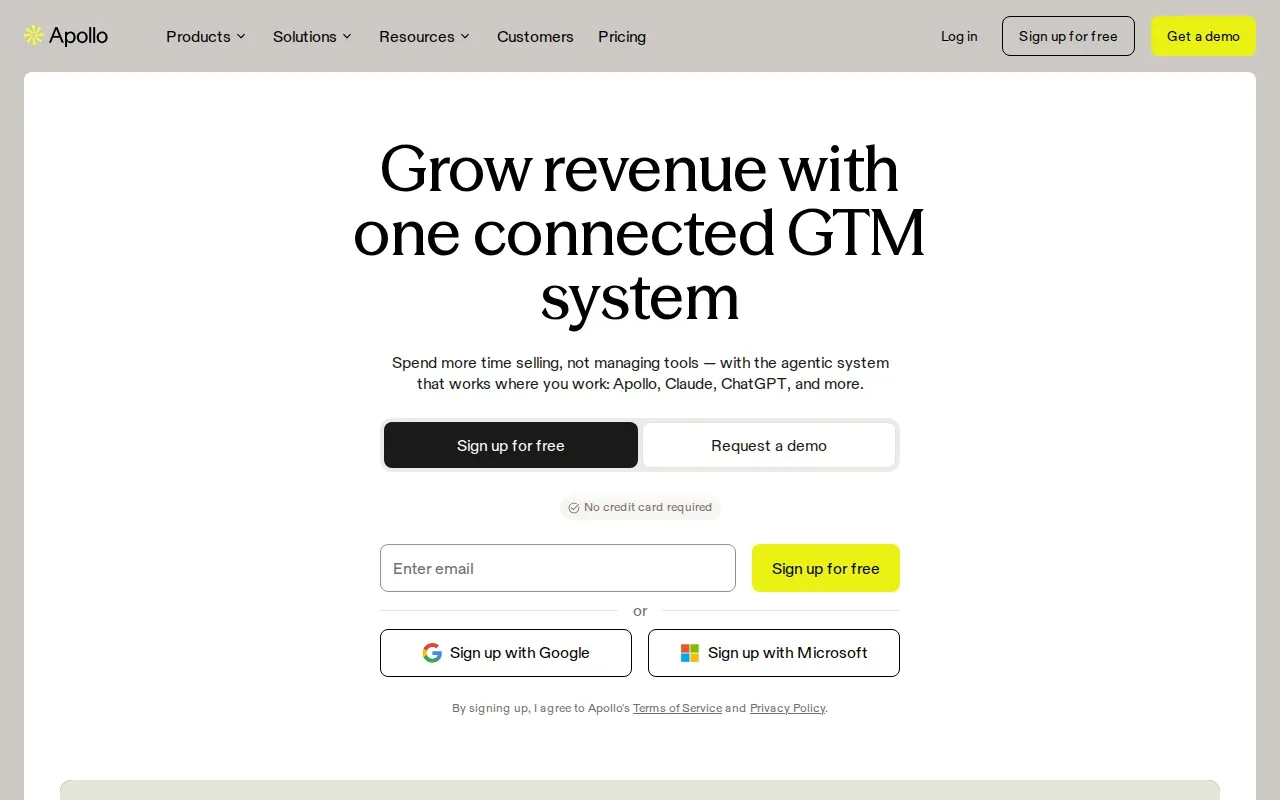
The main draw is the combination: a large contact database, outreach tools and CRM integrations. That makes Apollo a reasonable first test when the work your team does in ZoomInfo is mostly prospect search followed by outreach. It can also suit teams that want one place to manage those parts of the process.
Think about the actual handoff. A rep searches for an account, finds a contact, then starts outreach. If that is your daily workflow, test whether Apollo’s database and outreach tools fit it before you replace a wider system. A tool that covers the tasks reps use is more useful than a long feature list nobody touches.
CRM integration matters at this point. Decide which fields should sync and which system owns each one. If a rep updates a contact or account, the team should know where that change belongs. Map that flow before a pilot, rather than cleaning up duplicate records after launch.
For teams that are also reviewing their outbound workflow, this cold email marketing agency overview can help clarify which work sits in software and which work needs people to run it.
Apollo is the most direct fit here when you want contact data with outreach tools. Your pilot should still check the records against the accounts and roles your team actually targets.
2. Cognism: Phone-verified data for US teams selling into Europe
Cognism is a contact-data option built around phone-verified records. It can suit a US team whose sales territory includes Europe and whose reps rely on phone outreach rather than email alone.
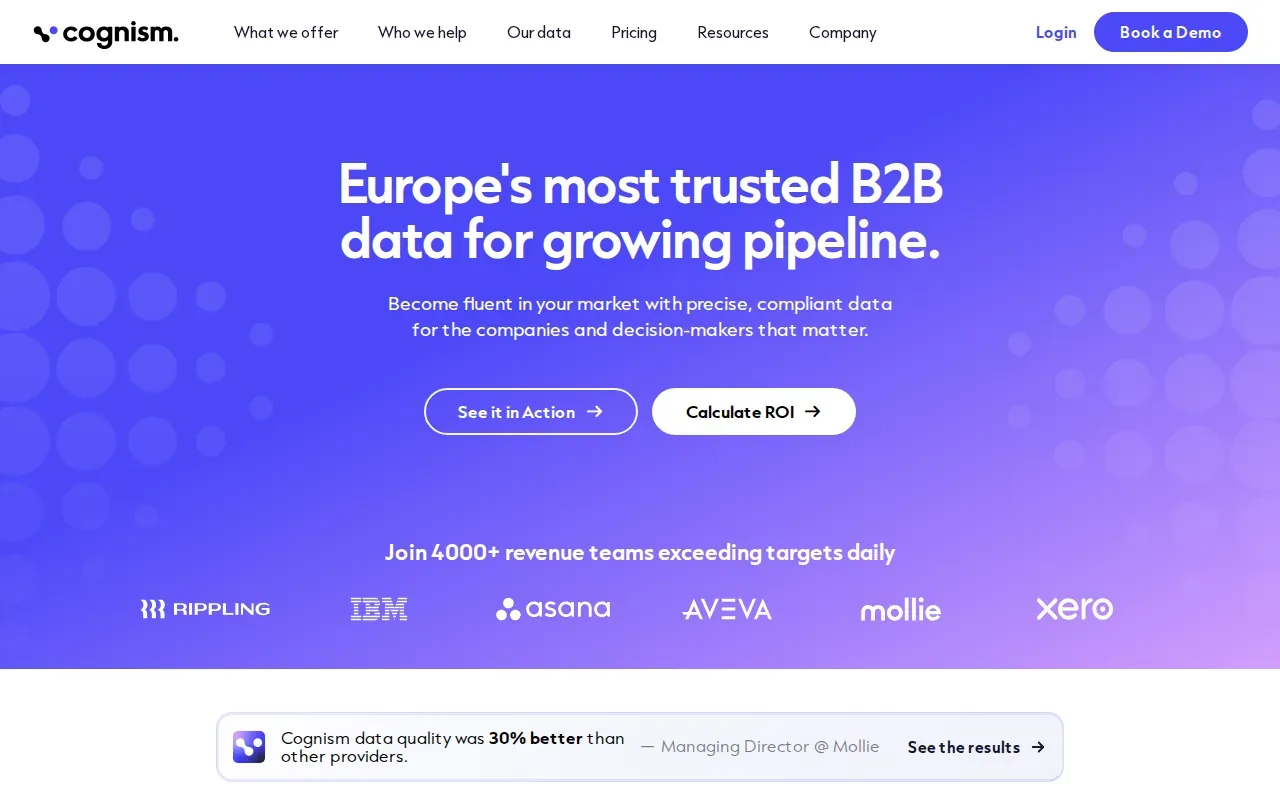
Its main distinction in this shortlist is its phone-verified contact data. That makes it worth evaluating when a rep needs a direct conversation and a weak phone record would waste a call block. Cognism also lists Salesforce, HubSpot and major sequencing tools among its integrations.
For a US-based team, the key question is territory fit. If most of your target accounts are in the United States, check coverage on your US sample first. If your team also sells into Europe, include those accounts in the same test. A tool that works in one region may not perform the same way in another.
Cognism offers EMEA-compliant data. Treat that as a reason to assess it for your region, not as a substitute for your own legal review. The practical test is whether its contact records cover your target roles and whether the phone data supports the way your team sells.
Check the CRM and sequencing handoff during the pilot. A contact can be accurate and still create extra work if reps must move it by hand. Have one rep follow a record from search through CRM entry and into the next outreach action. That reveals workflow friction early.
Cognism makes the most sense when phone data and European coverage are central to the buying decision. If your team mainly sends email, compare it with a more focused email tool before committing to a data platform.
3. Lusha: A usable fit for LinkedIn-first prospecting
Lusha centers on emails and direct dials, with a Chrome extension for reps who prospect while browsing LinkedIn. It’s a natural fit for sales teams that find a person first, then need contact details without leaving that workflow.
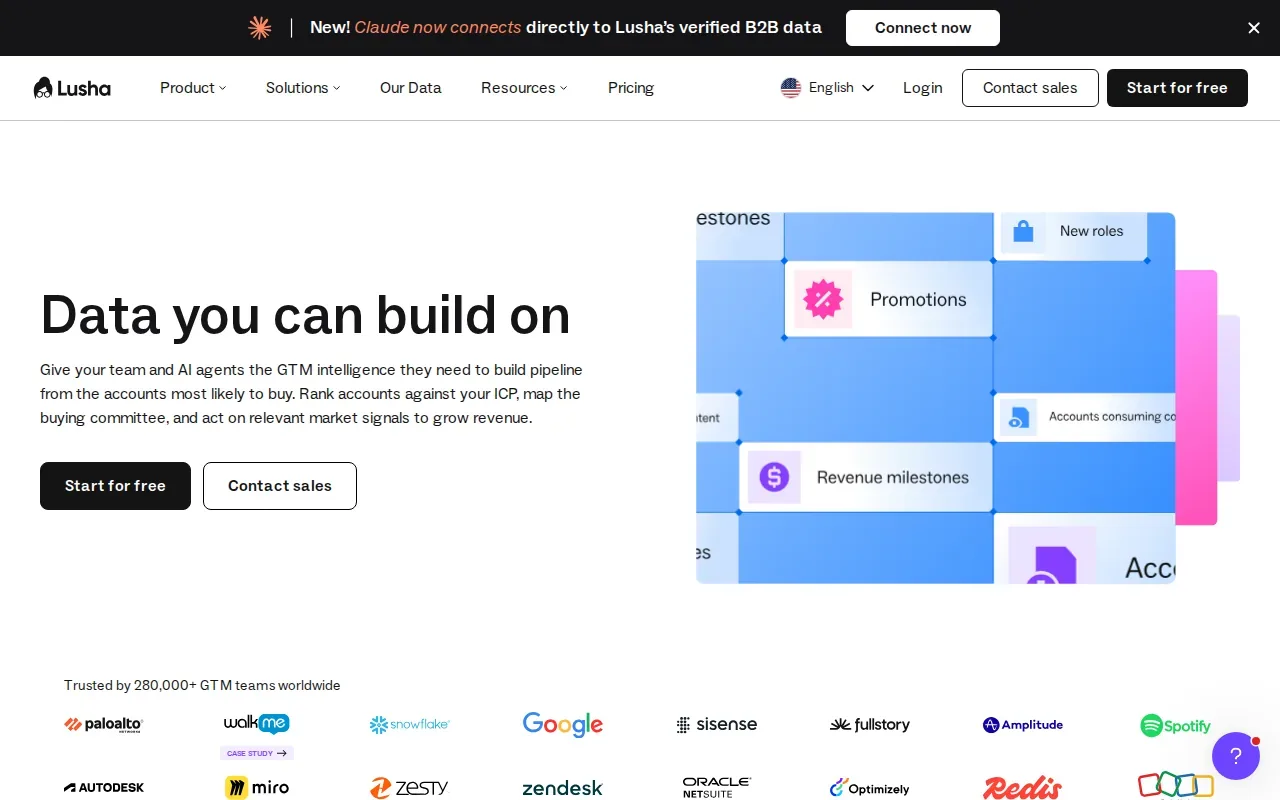
That browser-based use is the point. A rep can start with a profile they are already viewing, then use Lusha’s contact data as the next step. The company also lists an API and connections to AI assistants such as Claude and ChatGPT. Those may matter to teams that want to bring contact lookup into other work, though the main use case here is still fast prospecting.
Lusha has a free tier with limited credits. Reps can use it to assess whether its contact details are useful for their outreach.
It is important to separate a fast lookup from a full prospecting process. Lusha’s core data is emails and direct dials. If you also need a broad database or a built-in outreach workflow, compare those needs separately instead of assuming every tool in this category does the same job.
For a LinkedIn-first rep, the best test is simple. Give them a short set of target companies and have them find the right contacts during normal prospecting. Watch for the time it takes to get from profile to a usable CRM record. The workflow should feel natural, not like another admin task.
Choose Lusha when reps spend much of their day finding people through LinkedIn and company pages. Its free tier can help you check that fit with limited use.
4. Hunter: A focused choice when professional email is the priority
Hunter focuses on professional email addresses and email verification. It suits a team that needs work emails more than phone numbers or a broad sales intelligence system.
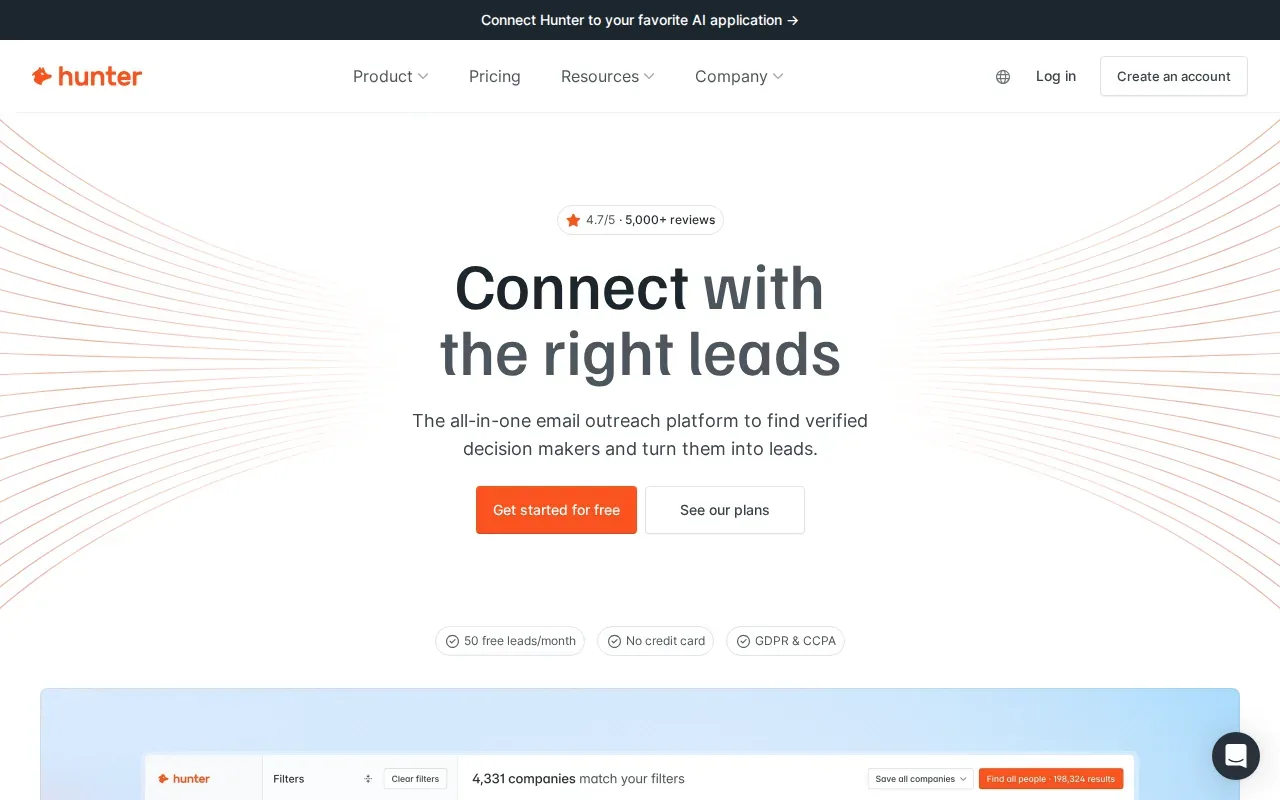
The narrower scope can be useful. If your team already has a way to choose target accounts and run outreach, you may only need help finding and checking professional email addresses. Hunter’s focus keeps the evaluation tied to that task rather than asking you to buy a larger system to solve a smaller problem.
Hunter has a free tier with limited credits. Use it to check the workflow on a small set of the domains your reps care about. Then ask whether the verified addresses can move cleanly into the team’s existing process. The value depends on how well email finding and verification fit the work around them.
Email verification is a step, not a guarantee that every prospect is a good fit or ready to buy. Your team still needs a sound account list and a reason to contact each person. If you send a broad list without checking its relevance, a verification step cannot fix the targeting.
That distinction matters when you compare tools. A contact database helps find people; an email-focused product helps with a specific data task. Keep the requirements separate in your evaluation so a useful specialist does not get judged as if it were a full platform.
Hunter is the focused pick when professional email is the main gap. If phone data or account-level signals are core to your sales motion, look at another option in this list.
5. UpLead: An accuracy-led option with real-time email verification
UpLead is a contact-data option that verifies email addresses in real time. It can suit teams that would rather check an address at the point of use than rely only on a stored email record.
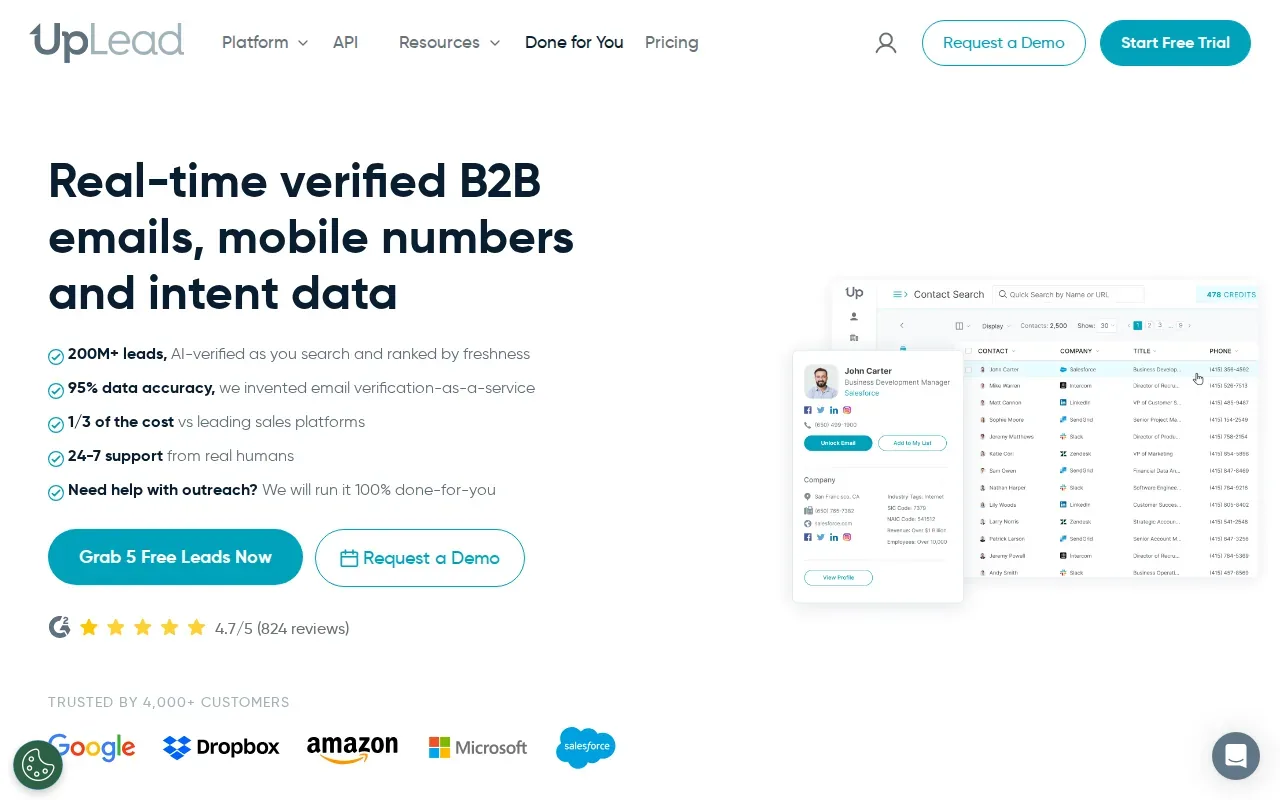
The real-time check is its defining detail in this shortlist. For an outbound team, the key question is whether the contacts it returns match your target roles and account types, and whether the verification step works inside the export process your reps already use.
UpLead has a seven-day trial. Use that window to test a defined sample rather than browsing at random. Pick accounts your team would actually pursue. Include the roles and company types that matter to your sales plan, then review how many records are usable for the next step.
Measure the work that follows the search. Does a verified email arrive in the right field? Can a rep add the contact to the existing outreach process? Does the record include enough context for a person to make a sensible decision? The answers will tell you more than the size of a returned list.
UpLead can be a fit when email quality is the specific concern and you want a real-time verification step. It is also worth comparing against Hunter if your need is mainly professional email discovery and verification.
Compare the six ZoomInfo alternatives at a glance
These tools do not replace the same parts of ZoomInfo. Compare the job you need done first, then look at data type, workflow fit and the available trial or free access. This view focuses on those buying decisions rather than database-size claims.
| Option | Best fit | Main data focus | Workflow detail | Trial or free access |
|---|---|---|---|---|
| Apollo | Small and mid-size teams seeking a like-for-like option | Large contact database | Outreach tools and CRM integrations | Check current access during evaluation |
| Cognism | US teams selling into Europe | Phone-verified contact data | Salesforce, HubSpot and major sequencing tools | Check current access during evaluation |
| Lusha | Reps who prospect through LinkedIn | Emails and direct dials | Chrome extension, API and AI assistants | Free tier with limited credits |
| Hunter | Teams that mainly need professional emails | Professional email addresses | Email verification | Free tier with limited credits |
| UpLead | Teams focused on email verification | Verified email data | Real-time email verification | Seven-day trial |
Use case matters more than a feature checklist
For an SDR team that needs contact data and outreach tools together, start with Apollo. For a team selling into Europe that depends on phone calls, assess Cognism. If reps find prospects through LinkedIn, test Lusha in that exact browser workflow. For email-only needs, compare Hunter with UpLead.
Lusha and Hunter have free tiers, while UpLead has a seven-day trial. Don’t treat a free tier as a proxy for total cost. Check how credits work, how many people need access and what part of the sales workflow still needs another tool.
Run a focused pilot before moving your team
Start with the ZoomInfo tasks your team actually uses. Separate contact search from verification, outreach and signal-based prioritization. Then test each candidate on the same target account sample and the same job titles. Keep the review tied to usable records and the time it takes a rep to act on them.
- Set the target. Choose representative US accounts and roles. Include any European territory if it is part of your sales plan.
- Check the data. Review contact relevance and the specific data type the tool is built to provide.
- Follow the handoff. Move a record through search, verification if relevant, CRM entry and the next outreach action.
- Review the operating cost. Confirm seat needs, credit use and any extra tools needed to finish the workflow.
- Plan the move. Export only the records and fields your team needs, map them to the destination CRM, and keep the old process available until the new one works.
These checks help avoid a common mistake: replacing a broad platform with a narrow tool, then discovering that the missing work has to be rebuilt elsewhere. If the real gap is a buying reason rather than a contact record, B2B buying signals explain how teams can tie account activity to outreach timing.
Frequently asked questions
What is the closest ZoomInfo alternative for a small sales team?
Apollo is the closest like-for-like option in this shortlist for small and mid-size teams. It pairs a large contact database with outreach tools and CRM integrations. Start by testing the accounts and roles your reps pursue most. If you mainly need email verification or LinkedIn prospecting, a narrower option may fit better.
Which ZoomInfo alternative is best for email verification?
UpLead verifies emails in real time, while Hunter focuses on professional email addresses and email verification. The better fit depends on your workflow.
Which option works best for LinkedIn prospecting?
Lusha is the clearest fit in this list for reps who work on LinkedIn. Its primary data focus is emails and direct dials, and it has a Chrome extension. Test it during normal prospecting so you can see whether contact lookup fits the way your reps move from a profile to a CRM record.
Can I replace ZoomInfo with a free tool?
You may be able to test some parts of your workflow with limited free access, but a free tier does not show the full cost of a working sales process. Lusha and Hunter have free tiers. UpLead has a seven-day trial. Check data fit, team access and any tools you still need.
What should I check before migrating from ZoomInfo?
List the ZoomInfo tasks your team uses, then test the replacement against the same accounts and job titles. Check contact relevance, verification where relevant, and the CRM handoff. Confirm credit and seat needs before moving records. Keep the current process available until reps can complete the new workflow without losing needed data.
Conclusion
Choose the tool that matches the work your reps do most often, then pilot it on real target accounts before you move the whole team. If your bigger problem is that outreach lacks a timely reason to contact a company, explore public buying signals for industrial lead generation or book a call with Emil to discuss em8’s signal-based outbound.
Book a call with Emil.
30 minutes. Leave with a plan for reaching decision makers at the moment they have a reason to buy.