How to Calculate Workflow Automation ROI
Real examples, actual numbers, and a calculator you can use today to measure automation returns.
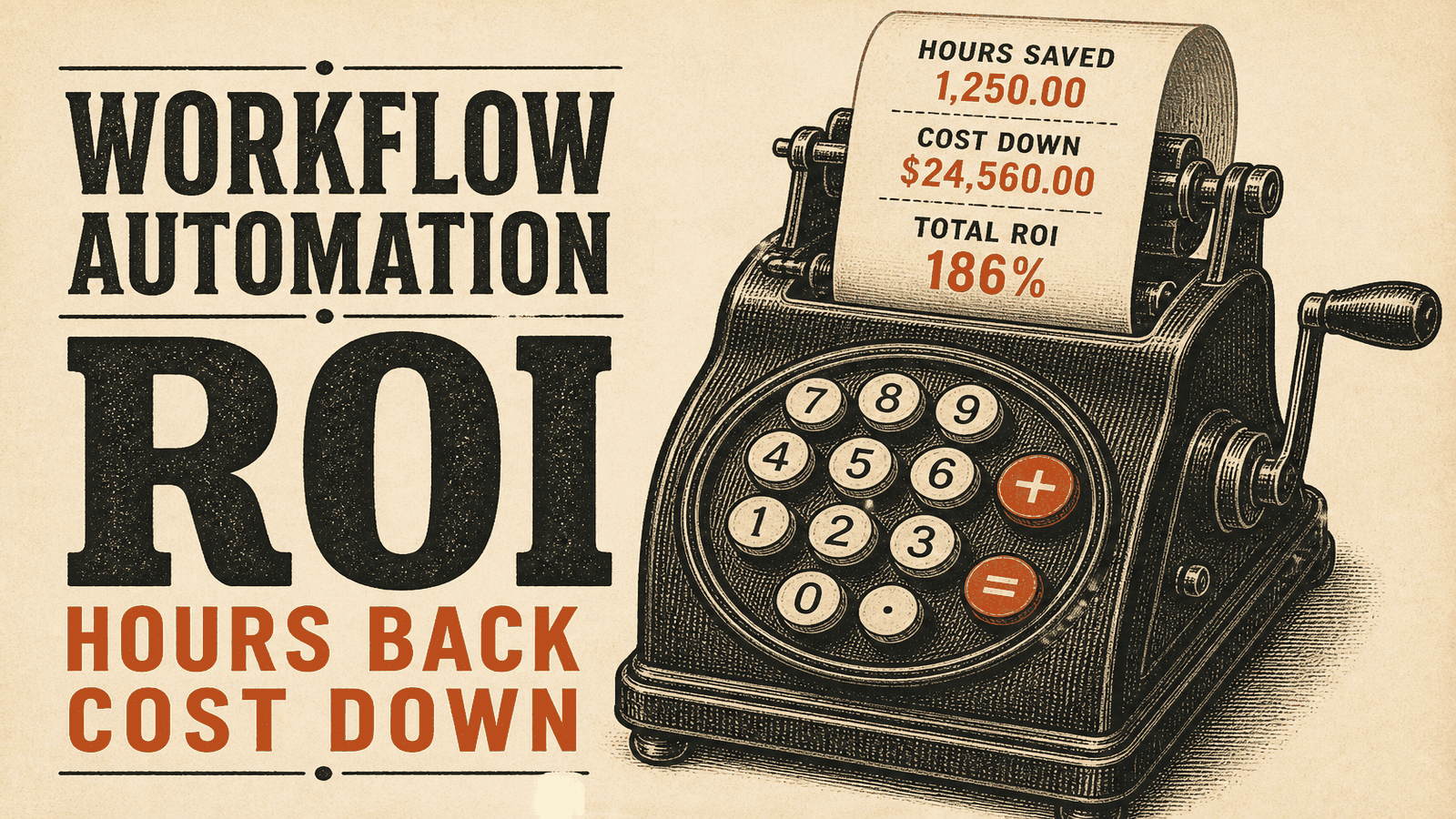
Calculate Your Automation ROI in 2 Minutes
Use the interactive ROI calculator to see annual savings, payback, and before/after cost from headcount, hours, and hourly rate.
Try the Free ROI CalculatorWhat is Automation ROI and Why Does It Matter?
Here's the thing about business automation: most people focus on the wrong metric. They ask "how much time will this save?" when they should be asking "how much money will this make me?"
This guide shows you how to calculate real automation ROI, not the fluffy version consultants like to pitch. We're talking actual numbers, real examples, and a calculator you can use today.
The formula is simple: (Value Created - Cost) / Cost × 100 = ROI%
But most guides stop at "time savings." That's like measuring a car's value by counting the wheels. Real automation ROI includes:
- Time saved (yes, but converted to actual labor cost)
- Errors you don't make anymore (surprisingly expensive)
- Revenue increases (faster response times close more deals)
- Scalability (handle 3x the volume without hiring)
- What your team can do instead (opportunity cost)
What Are the Real Costs of Manual Work?
Most businesses have no idea what repetitive tasks actually cost. Let me show you.
Time Cost Example
Your sales team manually enters leads from web forms into your CRM:
- 50 leads per week
- 5 minutes per lead
- That's 4.2 hours weekly
- At $30/hour = $126/week = $6,552/year
And that's one workflow. Most businesses have dozens running in the background.
Error Costs (The Silent Killer)
Manual data entry has a 1-4% error rate. Those errors aren't free:
- Wrong email = bounced campaign
- Incorrect customer data = wrong targeting
- Missed follow-up = lost deal
- Time spent cleaning up the mess
A single lost deal from bad data can cost you thousands. Multiply that across a year and you start to see why accuracy matters.
The Opportunity Cost Nobody Talks About
When your sales team spends 10 hours weekly on data entry, that's 10 hours they're not closing deals. For a rep making $100k who brings in $500k annually, every hour diverted to admin work has a real cost.
They could be talking to prospects. They're copying and pasting instead.
How Do You Calculate Automation ROI? (Step-by-Step)
Step 1: Document What You're Actually Doing
Write down every manual step. Be honest about how long each takes.
Example (lead processing workflow):
- Check form submission email (2 min)
- Open CRM (30 sec)
- Create new lead record (3 min)
- Copy data field by field (4 min)
- Assign to correct sales rep (1 min)
- Send welcome email (2 min)
- Create follow-up task (1 min)
Total: 13.5 minutes per lead
Step 2: Calculate What It Costs You Now
Questions to answer:
- How often does this happen?
- How many times per week/month?
- What's the hourly rate of who's doing it?
- What percentage have errors?
- How much time goes into fixing mistakes?
Using our example:
- 50 leads/week × 13.5 min = 11.25 hours weekly
- At $30/hour = $337.50/week = $17,550/year
- 2% error rate = 1 lead/week needs fixing (20 min @ $10)
- Rework cost: $520/year
- Total current cost: $18,070/year
For one workflow.
Step 3: Figure Out Automation Cost
One-time:
- Tool subscription setup
- Configuration time (or consultant if you hire someone)
- Testing
- Training your team
Ongoing:
- Monthly subscription
- Occasional maintenance
- Monitoring
Example:
- Make.com: $29/month = $348/year
- Setup: 5 hours at $100/hour = $500
- Monthly check-ins: $15/month = $180/year
- First year: $1,028
- After that: $528/year
Step 4: Calculate Time Saved
After automation, the same workflow:
- Takes 0 minutes of human time
- Needs a quick check once a month (30 min)
Time saved: 11.25 hours/week → ~580 hours/year
Value: 580 hours × $30 = $17,400/year
Step 5: Add Error Reduction
Automated data entry has near-zero errors.
Saved: $520/year
Step 6: Do the Math
First Year:
- Value: $17,400 (time) + $520 (errors) = $17,920
- Cost: $1,028
- Net: $16,892
- ROI: 1,643%
- Payback: 3.3 weeks
Every Year After:
- Value: $17,920
- Cost: $528
- Net: $17,392
- ROI: 3,295%
That's why automation pays off.
What Are Real-World Automation ROI Examples?
E-commerce Order Processing
- Setup: Online store, 500 orders monthly
- Before: 8 minutes per order manually
- Cost: 800 hours/year × $25 = $20,000
- Automation: $600/year
- ROI: 3,233%
- Bonus: Now handles 2,000 orders/month without new hires
Marketing Agency Reporting
- Setup: 30 clients, monthly reports
- Before: 2 hours per client
- Cost: 720 hours/year × $50 = $36,000
- Automation: $840/year
- ROI: 4,186%
- Bonus: Reports now run weekly instead of monthly (clients love it)
Dental Practice Reminders
- Setup: 40 appointment reminders daily
- Before: Receptionist calls each patient
- Cost: 520 hours/year × $20 = $10,400
- No-show drop: 15% to 5% = $15,000 recovered
- Automation: $240/year
- Total value: $25,400
- ROI: 10,483%
B2B Lead Distribution
- Setup: 200 leads monthly
- Before: Sales manager manually assigns, 30 min/day
- Cost: 182 hours/year × $60 = $10,920
- Response time: 24 hours → 5 minutes
- Revenue impact: 18% conversion increase = $45,000
- Automation: $500/year
- Total value: $55,920
- ROI: 11,084%
These are real numbers from real businesses. Your mileage may vary, but probably not by much.
What Mistakes Do People Make Calculating ROI?
1. Only Counting Time Savings
You're missing error costs, opportunity costs, revenue impacts, and morale improvements.
2. Using Full Salary in Calculations
If you save 5 hours weekly, you're not firing anyone. Use hourly rate, not total compensation.
3. Forgetting Setup Time
Implementation takes time. Include it.
4. Ignoring Maintenance
Automations break when tools update or processes change. Budget for occasional fixes.
5. Missing the Multiplier Effect
When your sales team has 10 extra hours weekly, they close more deals. That revenue is part of ROI.
6. Not Measuring Results
Track actual time before and after. Don't just estimate.
What Are Typical ROI Benchmarks by Industry?
Based on real client data:
E-commerce
- Order processing: 2,000-5,000% ROI
- Inventory management: 800-1,500% ROI
- Customer service: 1,200-3,000% ROI
Professional Services
- Client onboarding: 1,500-4,000% ROI
- Automated reporting: 3,000-6,000% ROI
- Billing: 2,500-5,000% ROI
Marketing Agencies
- Campaign reporting: 2,000-4,500% ROI
- Lead qualification: 1,800-3,500% ROI
- Social scheduling: 1,000-2,000% ROI
B2B Sales
- Lead routing: 5,000-12,000% ROI (revenue impact included)
- Email sequences: 3,000-8,000% ROI
- Meeting scheduling: 800-1,500% ROI
When Should You NOT Automate?
Not every workflow is worth it. Skip automation when:
- Happens less than weekly - Setup cost exceeds benefit
- Process changes constantly - Maintenance nightmare
- Requires human judgment - Don't force it
- Compliance-sensitive - Some things need human eyes
- ROI under 200% - Spend your time elsewhere
How Can You Maximize Automation ROI?
1. Start with High-Volume, Simple Tasks
Best candidates:
- Data entry between systems
- Triggered notifications
- Report generation
- Standard email responses
- File organization
2. Use No-Code Tools
Make.com, Zapier, n8n let you build without developers. Faster, cheaper, easier to change.
3. Automate in Phases
One workflow at a time. Measure results. Expand.
4. Track Real Impact
Before and after metrics:
- Time logs
- Error counts
- Customer feedback
- Revenue changes
- Team capacity
5. Improve Over Time
First version won't be perfect. That's fine. Adjust as you learn.
What Do Automation Tools Cost?
Small Business (1-10 people)
Zapier: $19-$69/month, simple workflows, common apps
Make.com: $0-$29/month, more flexible, better for multi-step
Medium Business (10-100 people)
Make.com: $29-$99/month, complex workflows
n8n (self-hosted): $20-$50/month server, unlimited operations
Large Business (100+ people)
n8n Enterprise: Custom pricing, security features
Make.com Enterprise: Custom pricing, dedicated support
How Do You Use a DIY ROI Calculator?
Calculate ROI for your workflows:
- Pick your top 3 repetitive tasks
- Track time spent for one week
- Calculate annual cost (hours × rate × 52)
- Get tool quotes
- Run the formula
Spreadsheet columns:
- Task name
- Times per week
- Minutes per occurrence
- Hourly cost
- Annual cost (calculated)
- Error rate
- Error cost
- Tool cost (annual)
- ROI (calculated)
FAQ
What is a good ROI for workflow automation?
Most businesses see 1,000-5,000% ROI on simple workflow automation. Payback periods of 1-3 months are common. High-volume, repetitive tasks often deliver returns over 3,000%.
How do you calculate automation ROI?
Formula: (Value Created - Cost) / Cost × 100. Value includes time saved (labor cost), error reduction, revenue increases, and scalability gains. Cost includes tool subscriptions, setup time, and maintenance.
When should you NOT automate a workflow?
Skip automation when tasks happen less than weekly, processes change frequently, high judgment is required, compliance risks exist, or ROI is under 200%.
How much does workflow automation cost?
Small businesses: $0-$69/month for tools like Zapier or Make.com. Setup costs $500-2,000 depending on complexity. Medium businesses: $29-$99/month. Enterprise: custom pricing.
What workflows should I automate first?
Start with high-volume, low-complexity tasks: data entry between systems, notification triggers, report generation, standard email responses, and file organization.
Conclusion
Automation ROI is measurable. Returns of 1,000-5,000% are normal for simple workflows. Payback in 1-3 months is common.
The question isn't "should I automate?" It's "which workflow first?"
Pick one high-volume task. Calculate current cost. Set up automation. Measure results.
Then do it again.
You'll wish you'd started sooner.
Want Help Calculating ROI for Your Workflows?
We'll analyze your processes, calculate potential ROI, and help you implement high-return automations.
Book a Free ROI Analysis