What is Workflow Automation? The Complete 2026 Guide
Everything you need to know about automating repetitive tasks, from basic concepts to getting started.
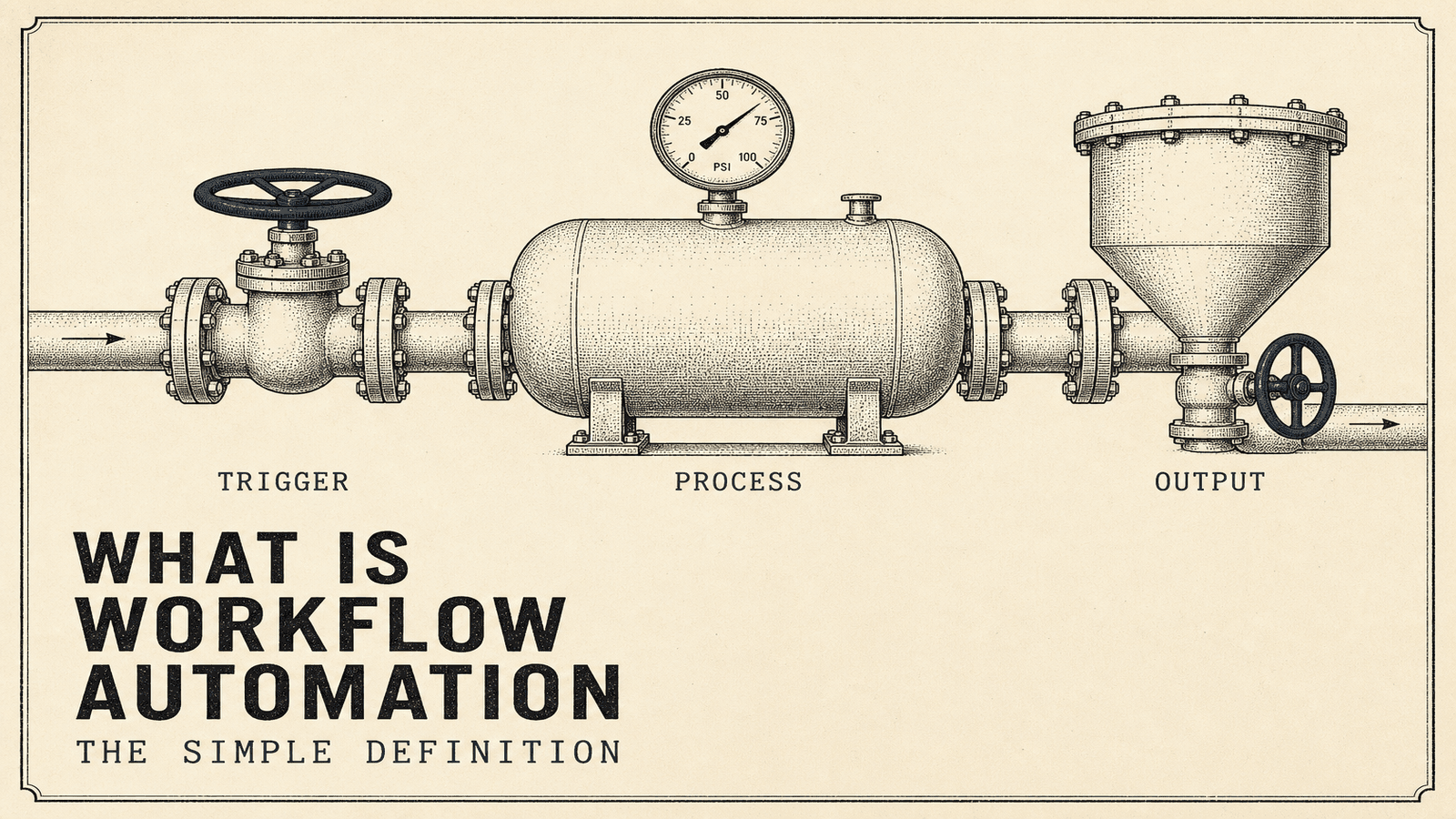
What is Workflow Automation?
Workflow automation is using software to complete repetitive tasks automatically, based on rules you define — delivering 25-30% productivity increases and up to 77% time savings on automated processes (Kissflow, ServiceNow 2024).
Here's a simple example:
Without automation: A customer fills out a contact form. Someone checks the inbox, copies the info to a spreadsheet, sends a confirmation email, and adds a task to follow up in 3 days.
With automation: Customer submits form → data goes to your CRM automatically → confirmation email sends instantly → follow-up task creates itself → reminder hits your inbox in 3 days.
Same outcome. Zero manual work.
That's workflow automation in practice.
How Does Workflow Automation Work?
Every automation has three parts:
1. Trigger — What starts the automation
Examples: Form submitted, email received, date reached, status changed
2. Action — What happens next
Examples: Send email, create record, update spreadsheet, post message
3. Conditions — Rules that control the flow
Examples: If amount > $1,000, route to manager. If lead source = website, add to sequence A.
String these together and you get a workflow. Simple workflows have one trigger and one action. Complex ones have dozens of steps with branching logic.
Most automation tools use visual builders. You drag and drop triggers, actions, and conditions. No coding required.
What Can You Automate?
Almost any repetitive task that follows consistent rules. Here are the most common categories:
Sales and CRM
- Lead assignment and routing
- Follow-up email sequences
- Meeting scheduling and reminders
- Deal stage updates
- Quote generation
Marketing
- Email campaigns and nurturing
- Social media posting
- Lead scoring
- Content distribution
- Review requests
Operations
- Invoice generation and reminders
- Expense approvals
- Report compilation
- Data syncing between apps
- Document routing
Customer Support
- Ticket routing and assignment
- Auto-responses for common questions
- Satisfaction surveys
- Escalation alerts
HR and Admin
- Employee onboarding
- PTO requests and approvals
- Payroll notifications
- Document collection
Benefits of Workflow Automation
Time savings
The obvious one. Automating a task that takes 10 minutes daily saves 40+ hours per year. Multiply that across your team and it adds up fast.
Fewer errors
Humans make mistakes, especially with repetitive tasks. Automation does the same thing the same way every time. No typos, no forgotten steps, no "I thought someone else was handling that."
Faster response times
Automated systems don't sleep, don't take lunch breaks, and don't get distracted. A lead inquiry at 2 AM gets the same instant response as one at 2 PM.
Scalability
Manual processes break when volume increases. Automation handles 10 requests or 10,000 without slowing down.
Better data
When every action is automated, every action is logged. You get complete visibility into what's happening, when, and where things get stuck.
When Should You Automate?
Automation makes sense when a task is:
- Repetitive — You do it more than a few times per week
- Rule-based — Clear logic determines what should happen
- Time-consuming — Takes more than a few minutes each time
- Error-prone — Manual handling leads to mistakes
If a task checks all four boxes, automate it.
If it requires judgment, creativity, or complex decision-making, keep it human (or use AI-assisted automation, which is a different conversation).
Common Workflow Automation Tools
No-code platforms (most businesses start here)
- Make.com — Powerful, affordable, visual builder. Best value for most businesses.
- Zapier — Easiest to learn, largest app library, more expensive at scale.
- n8n — Open source, self-hostable, developer-friendly.
- Power Automate — Good if you're already in Microsoft ecosystem.
Built-in automation (often free with your existing tools)
- HubSpot workflows
- Salesforce Flow
- Monday.com automations
- Notion automations
- Slack workflows
Enterprise platforms (for complex, large-scale needs)
- Workato
- Tray.io
- MuleSoft
Most small and mid-sized businesses do fine with Make.com or Zapier. You only need enterprise tools when you're processing millions of transactions or have complex compliance requirements. Read our detailed Make.com vs Zapier vs n8n comparison to choose the right platform.
How to Get Started with Workflow Automation
Step 1: Pick one process
Don't try to automate everything at once. Choose a single workflow that's repetitive, time-consuming, and has clear rules.
Good first automations:
- New lead notification to Slack
- Form submission to spreadsheet
- Weekly report email
- Follow-up reminders
Step 2: Map the current process
Write down every step that happens today. What triggers it? What actions follow? What decisions get made along the way?
Step 3: Choose your tool
For simple automations (2-3 apps, straightforward logic): Zapier or built-in tools
For complex automations (multiple apps, branching logic): Make.com or n8n
Step 4: Build and test
Start with the basic flow. Test with real data. Fix what breaks.
Step 5: Monitor and improve
Automations need maintenance. Apps update, requirements change, edge cases appear. Check your automations monthly.
Workflow Automation vs. Other Types
Workflow automation vs. RPA (Robotic Process Automation)
RPA mimics human actions on a computer (clicking, typing, copying). Workflow automation connects apps through APIs. Workflow automation is faster, more reliable, and cheaper for most business needs.
Workflow automation vs. BPM (Business Process Management)
BPM is a broader discipline that includes process mapping, optimization, and governance. Workflow automation is one tool within BPM.
Workflow automation vs. AI automation
Traditional automation follows explicit rules. AI automation can make decisions based on patterns and context. Many modern tools combine both.
What Does Workflow Automation Cost?
DIY with tools: $20-$500/month depending on volume and features
Hiring someone to build it: $500-$5,000 per automation depending on complexity
Full automation audit + implementation: $5,000-$30,000 for comprehensive business automation
Most businesses start with DIY, then hire help when they want more complex systems or don't have time to build themselves.
For detailed pricing, see our full guide: Automation Agency Pricing. You can also calculate your exact ROI with our free tool, or see 15 real automation examples to understand what you get for the money.
Common Mistakes to Avoid
Automating before understanding
If you don't understand a process well enough to explain every step, you're not ready to automate it. Map it first.
Over-engineering
Start simple. A basic automation that works beats a complex one that breaks. You can always add complexity later.
Ignoring maintenance
Automations need attention. Apps change their APIs. Business rules evolve. Schedule monthly reviews.
No error handling
What happens when something fails? Good automations have fallbacks: error notifications, retry logic, manual escalation paths.
Automating bad processes
Automation makes things faster, not better. If your process is broken, automating it just creates faster problems. Fix the process first.
Frequently Asked Questions
What is workflow automation in simple terms?
Using software to handle repetitive tasks automatically. Instead of manually copying data, sending emails, or updating records, automation does it for you based on rules you set.
What is an example of workflow automation?
A customer submits a form on your website. Automation instantly adds them to your CRM, sends a confirmation email, notifies your sales team on Slack, and schedules a follow-up task for 3 days later. No manual work needed.
Is workflow automation the same as AI?
No. Traditional workflow automation follows explicit rules you define. AI can make decisions based on patterns. Modern tools often combine both, but they're different concepts.
How long does it take to set up workflow automation?
Simple automations: 1-2 hours. Complex multi-step workflows: 4-8 hours. A full business automation implementation can take weeks.
Do I need coding skills for workflow automation?
No. Modern tools like Make.com and Zapier use visual drag-and-drop builders. No programming required for most business automations.
Ready to automate your business?
Book a free discovery call to discuss your automation needs and get a custom quote.
Book Free Discovery Call